Your Mac. Faster.
Turn your trackpad corners into powerful shortcuts for apps, automations, media controls, system actions, and more. All without touching the keyboard.
Download Free
4 Corners
Double & Triple Tap
Unlimited Actions
Fully customizable
Every corner is customizable.
Assign a different action to each corner with double tap and triple tap.
Up to 8 shortcuts at your fingertips.
Top Left
Double Tap
 Safari
Triple Tap
 Slack
Slack
Bottom Left
Double Tap
Play / Pause
Triple Tap
Spotlight
Top Right
Double Tap
App Switcher
Triple Tap
 ChatGPT
Bottom Right
Double Tap
 Run Shortcut
Triple Tap
Change Language
Powerful actions
Trigger almost anything.
Choose from a wide range of actions or run any Apple Shortcut.
Open AppLaunch or bring app to front.
Open URLOpen a website or link.
Switch AppsSwitch to the previous app.
Show App SwitcherOpen the app switcher.
Change LanguageSwitch the input source.
Show Spotlight SearchOpen Spotlight.
MediaMedia controls.
Run ShortcutRun an Apple Shortcut.
Open App
Launch or bring app to front.
Google Chrome
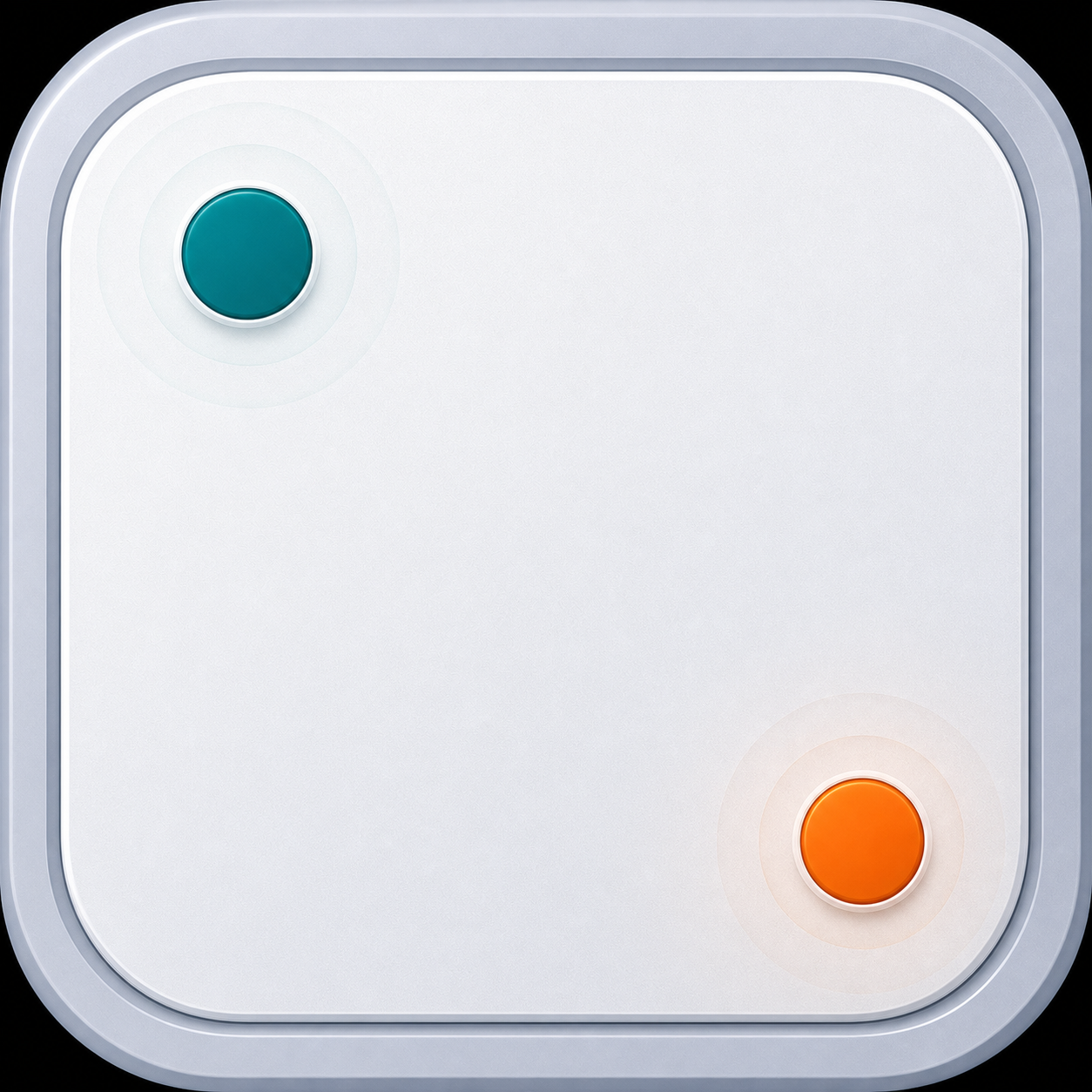
Tuned to your trackpad
Perfect fit. Every time.
Fine-tune corner size and sensitivity to match your workflow perfectly.
Calibrate Corners
Double or triple tap the corners to test them.
 Make your trackpad smarter.